How to Run a Business Status Meeting in 15 Minutes (When Everything's in One Place)
- This problem affects almost every growing small business — and it’s almost always caused by tool fragmentation, not lack of effort or discipline.
- The root cause is business data living in separate, disconnected tools that don’t communicate, creating costly gaps in billing, client management, and reporting.
- The solution isn’t more tools or more discipline — it’s consolidating onto a platform where data flows automatically between CRM, projects, and finance.
- Recentriq solves this by unifying all core business functions in one workspace at $5 per user per month, eliminating the gaps that cause these problems.
Why Status Meetings Run Long
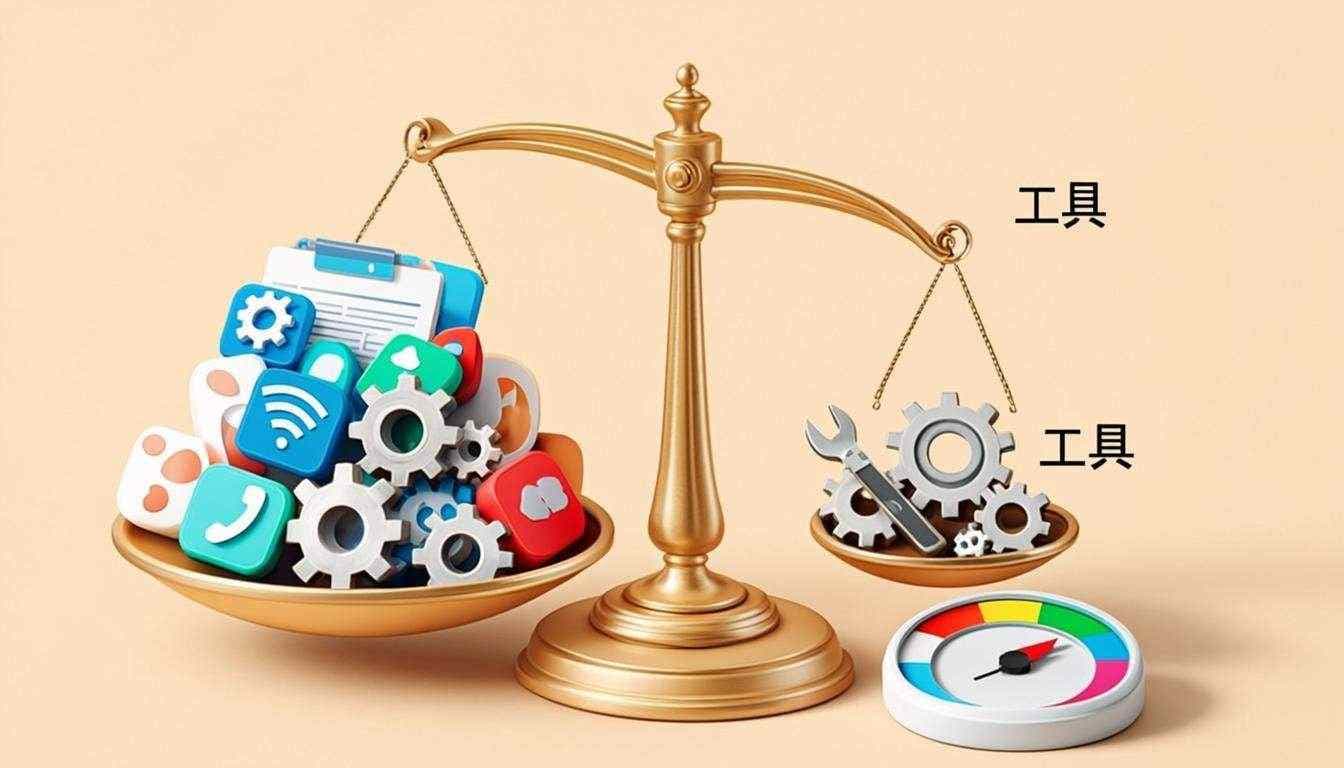
In most businesses, a weekly status meeting goes something like this: “Let me pull up the CRM… okay, four deals in pipeline. Let me switch to the PM tool… projects Alpha and Beta are on track, Gamma is behind. Let me check QuickBooks for this month’s numbers… I’ll have to get back to you on that.” Half the meeting is not discussion — it’s data retrieval from disconnected systems. When information gathering consumes 60% of meeting time, you’re not having a meeting; you’re conducting manual system integration in real time, and paying every attendee’s hourly rate to do it.
The friction isn’t a discipline problem. The team isn’t unprepared, and the meeting leader isn’t disorganized. The friction is structural: the data the meeting needs lives in four different tools that don’t talk to each other, and the only way to assemble a complete picture is to context-switch between them in real time, in front of everyone. Every tab switch is a small tax. Every “let me get back to you on that” is a deferred decision that will spawn a follow-up email, a follow-up meeting, or both. The cost compounds quietly, week after week, until the status meeting becomes the most expensive hour on the calendar.
- Open CRM, search for pipeline data
- Switch to PM tool, load project statuses
- Switch to accounting, look up monthly numbers
- Switch to chat, scroll for team updates
- Manually reconcile data across systems
- Defer decisions to follow-up emails
- 60% of meeting is data retrieval, not discussion
- Open one dashboard, all data already there
- Pipeline, projects, finance, capacity in one view
- Numbers update in real time, no manual refresh
- Spend time on decisions, not data retrieval
- Actions assigned with full context attached
- No follow-up emails needed for missing data
- 100% of meeting is discussion and decisions
The before-and-after isn’t hypothetical. Teams that move from a fragmented stack to an integrated platform routinely report cutting their weekly status meeting from 60 minutes to 15, without losing any information density — in fact, the integrated version usually surfaces more, because the dashboard can show data points nobody had time to manually assemble before. The meeting doesn’t get shorter because the team got more efficient. It gets shorter because the work the meeting was doing — manual data integration — is no longer necessary.
A status meeting should be a decision-making forum, not a data-gathering exercise. If you’re spending meeting time hunting for information, the meeting is doing the wrong job.
The 15-Minute Status Meeting Template
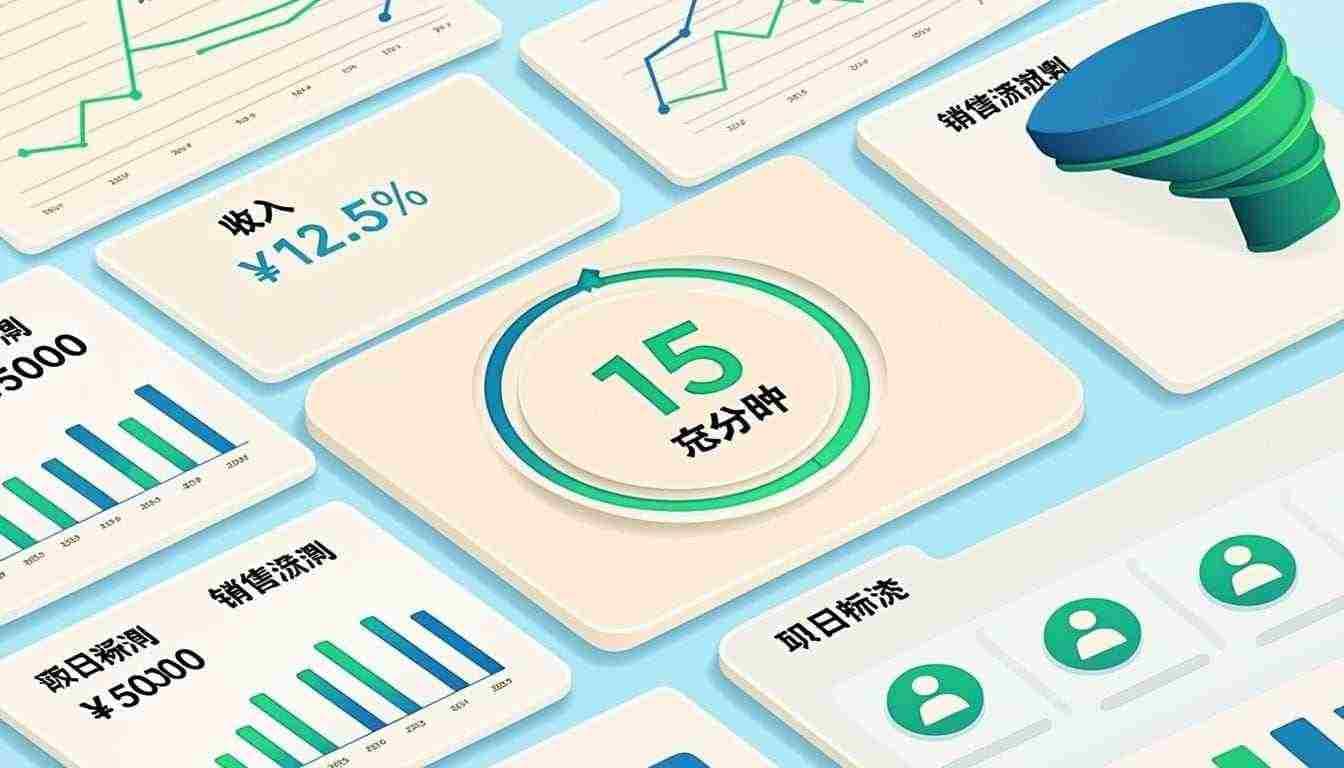
With an integrated platform, the meeting structure collapses to three five-minute blocks. The dashboard has already done the data-gathering work before anyone joins the call. What’s left is the actual work of the meeting: reviewing what the numbers say, deciding where to focus, and assigning actions. Below is the exact template, with the time allocation visualized.
- Dashboard review (5 min). Walk through the unified dashboard as a group. Pipeline status, project progress, financial snapshot, team capacity — all visible in one view. The goal is shared context, not deep discussion. Flag anything that needs a decision; defer everything else.
- Decisions needed (5 min). Focus only on exceptions — projects that are off-track, deals that need intervention, invoices that are overdue. For each, make a decision or assign an owner to make one. This is the only block where debate is allowed, and only for items already flagged.
- Actions assigned (5 min). Each action gets an owner and a due date before the meeting ends. No action leaves the meeting unassigned. The integrated platform captures each action against the project or deal it relates to, so follow-up is automatic.
Done in 15 minutes because nobody spent time hunting for data across four different tools. The discipline isn’t in the time-boxing — that’s the easy part. The discipline is in refusing to expand the meeting when a topic comes up that doesn’t fit the three blocks. Anything that needs deeper discussion gets its own focused meeting with only the relevant attendees, not the whole team held hostage to a tangent.
The 15-minute version only works if the dashboard is genuinely comprehensive — not a sales-only dashboard, not a finance-only dashboard, but a unified view across CRM, projects, finance, and team capacity. A dashboard that shows three of those four is still going to spawn a “let me get back to you on that” moment, and that moment is where the meeting bloats back to 45 minutes. The integration has to be real, not a stitched-together collection of embeds.
What Your Status Dashboard Should Show
A useful status dashboard covers four quadrants, and all four have to be present for the 15-minute meeting to work. Skip any one and you’ll end up context-switching to fill the gap, which is exactly the behavior the dashboard was supposed to eliminate. The four quadrants and what they should contain are below.
- Deals closing this week4
- New leads (week)11
- Stalled deals (>14d)2
- Project AlphaOn track
- Project BetaOn track
- Project GammaBehind
- Project DeltaOn track
- Outstanding invoices$18.2K
- Cash balance$94K
- Burn rate (mo)$31K
- Alex Chen120%
- Maya Patel105%
- Jordan Lee70%
The four quadrants do specific work. CRM pipeline tells you what’s coming in — deals closing this week, new leads, stalled deals that need intervention. Project status tells you what’s being delivered — on-track, at-risk, and blocked projects, with milestone due dates visible. Financial snapshot tells you what’s already happened — monthly revenue versus target, outstanding invoices, cash balance. Team capacity tells you who can take on more work and who can’t. Together, they answer the only four questions a status meeting should ask: what’s coming in, what’s going out, what’s at risk, and who can help.
Recentriq’s unified dashboard provides all four quadrants in one view, updated in real time because the underlying modules share the same data. There is no sync delay, no “last updated yesterday,” no manual refresh. The pipeline number reflects deals entered five minutes ago. The capacity number reflects tasks assigned this morning. The financial number reflects invoices sent an hour ago. That real-time integrity is what makes the 15-minute meeting possible — you can trust the dashboard because the dashboard is never stale.
Frequently Asked Questions
-
1. How long should a status meeting be?
Fifteen to thirty minutes for a weekly team sync. If it’s regularly running longer, the problem is almost always data fragmentation — you’re spending meeting time gathering information that should be visible on a dashboard before the meeting starts. Fix the dashboard first; the meeting length will follow. A 60-minute status meeting is a symptom, not a standard.
-
2. What’s the best format for status meetings?
Standing meetings — literally, with everyone standing — tend to be faster because physical discomfort enforces brevity. Start with a dashboard review, then focus only on exceptions: projects that are off-track, deals that need intervention, invoices that are overdue. Avoid round-robin updates where each person recites their week; that’s what the dashboard is for. The meeting exists to make decisions, not to share status.
-
3. Can we eliminate status meetings entirely?
If your dashboard is comprehensive and everyone actually checks it, you can reduce meetings to async updates — a Slack or Teams post with the dashboard link and any flagged decisions. But most teams benefit from at least a brief weekly sync for alignment on priorities and blockers, because async updates don’t handle real-time debate well. The goal isn’t zero meetings; it’s zero meetings that exist only to share data the dashboard already shows.
-
4. What if my team is remote across time zones?
The 15-minute template scales well for distributed teams because it minimizes the synchronous window. Record the meeting for anyone who can’t attend live, post the dashboard link in your team channel, and require async decisions on flagged items within 24 hours. The integrated dashboard is what makes this work — everyone sees the same numbers, so the async discussion stays grounded in shared context rather than re-litigating what the data actually is.
Stop juggling five tools.
Run your whole business on one.
Recentriq brings CRM, projects, documents, accounting, and trading operations into a single context-linked workspace — so every team, every deal, and every dollar lives in one place. No more tab-switching. No more silos. No more guessing what your numbers actually mean.
The Best Invoicing Software 2026 & Small Business ERP
Cash flow is the lifeblood of any company. This is why finding the best invoicing software 2026 is critical. However, standalone invoicing software for small business often creates blind spots. When your invoicing isn't connected to your operational delivery, things slip through the cracks.
From Simple Invoicing to a Cloud ERP for Small Business
The natural evolution from basic best invoicing software for small business is an ERP. But traditional ERPs are famously rigid. A true cloud ERP for small business must provide the robust financial guardrails of an enterprise system without the agonizing implementation. When evaluating ERP software for small business, flexibility is paramount.
The Modern Odoo & Zoho Alternative
If you are seeking an odoo alternative or a Zoho alternative, Recentriq is built precisely for you. It bridges the gap between high-end enterprise resource planning and beautifully simple business management platform small business interfaces. You get the power of an ERP with the agility of a modern app.