What Is Role-Based Access Control and Why Does It Matter for Business Software?

- Role-Based Access Control (RBAC) is a security model where access to data and features is determined by a user role, not individual identity.
- RBAC is essential for business software because it protects sensitive data while giving teams the access they need.
- Without RBAC, businesses resort to shared logins (security risk) or manual permission management (admin overhead).
- Recentriq includes full RBAC at $5/user/month — roles, permissions, and module-level access control included.
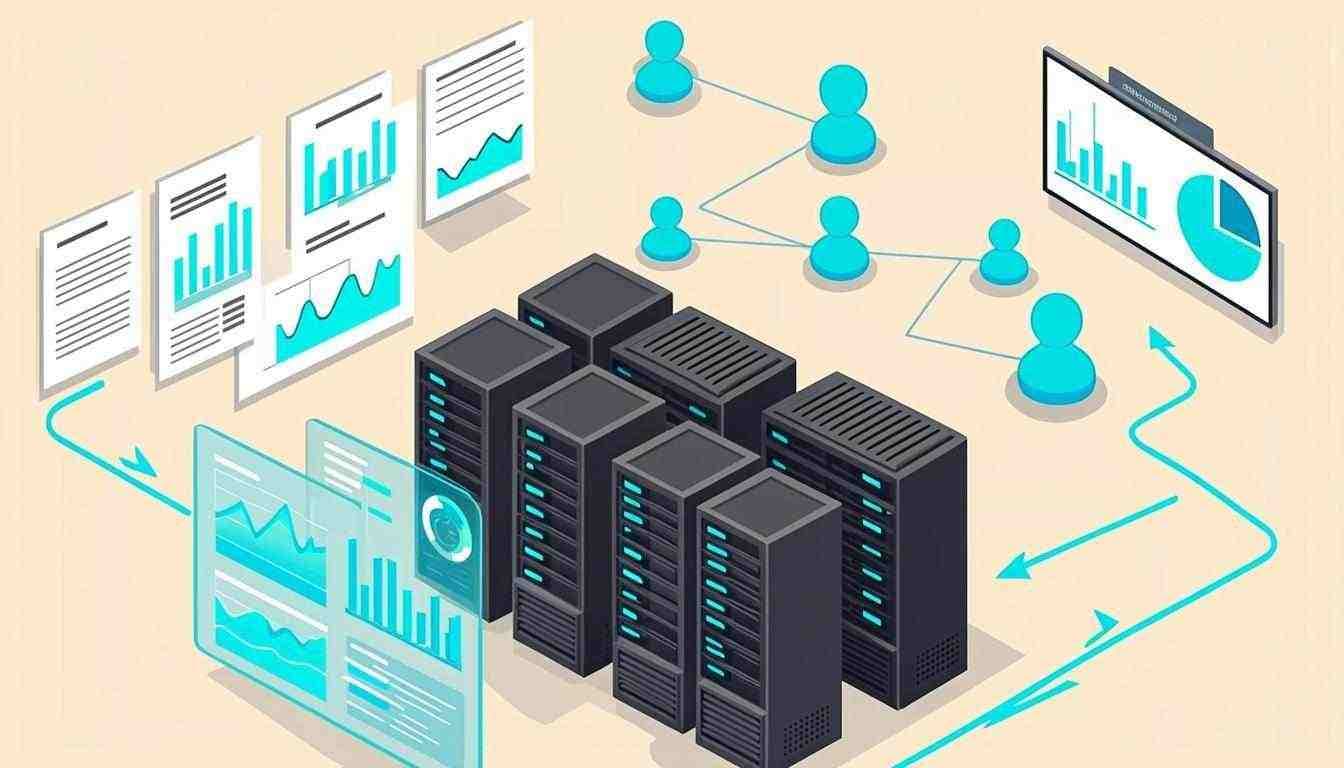
Role-Based Access Control (RBAC) is the security model that determines who can see what in your business software. In an RBAC system, access is determined by role (Sales Rep, Project Manager, Accountant, Admin) rather than by individual user. A Sales Rep can see CRM data but not financial records. An Accountant can see financial data but not client project tasks. An Admin can see everything. RBAC is not a nice-to-have feature — it is the foundation that makes multi-user business software secure, compliant, and manageable.
This guide explains what RBAC is, why it matters for business software, the common roles and permissions every SMB needs, and how to evaluate whether a platform RBAC is sufficient for your business.
What RBAC Is
RBAC is a security model where permissions are assigned to roles, and users are assigned to roles. Instead of managing permissions per user (which does not scale), you manage permissions per role (which does). When a new hire joins as a Sales Rep, you assign them the Sales Rep role — and they automatically get the right access: CRM read/write, project read, accounting no access, HR no access.
| Role | CRM | Projects | Accounting | HR | Admin |
|---|---|---|---|---|---|
| Sales Rep | ✓Read/Write | ~Read | × | × | × |
| Project Manager | ~Read | ✓Read/Write | × | ~Read | × |
| Accountant | × | × | ✓Read/Write | ~Read | × |
| HR Manager | × | × | × | ✓Read/Write | × |
| Admin | ✓Full | ✓Full | ✓Full | ✓Full | ✓Full |
RBAC is not about restricting access — it is about giving each person exactly the access they need to do their job, no more and no less. The principle of least privilege.
Why RBAC Matters for Business Software
- Security risk: everyone can see everything
- No audit trail: cannot tell who did what
- Compliance failure: fails SOC 2, GDPR, HIPAA
- Admin overhead: hours per new hire
- Error-prone: manual = mistakes = security gaps
- Does not scale: 50 users × 5 modules = 250 settings
If your software does not have RBAC, you will fail a SOC 2 audit, a GDPR data protection assessment, or any enterprise client security review. RBAC is not optional for businesses that handle client data, financial records, or employee information.
Common Roles Every SMB Needs
- Admin: full access to all modules, settings, and user management (CEO, IT lead)
- Manager: read/write in their department, read across related modules (PM, Sales Lead, Finance Manager)
- Employee: read/write in their function, no access to sensitive modules (Sales Rep, Consultant, Developer)
- Accountant: full accounting access, limited CRM/PM access (internal or external bookkeeper)
- Contractor: limited access to specific projects/tasks only (freelancers, part-time team members)
- Read-only: view access without edit capability (board members, auditors, advisors)
Frequently Asked Questions
RBAC is a security model where access to data and features is determined by a user role (e.g., Sales Rep, Accountant, Admin) rather than by individual identity. Permissions are assigned to roles, and users are assigned to roles. This makes access management scalable.
Without RBAC, businesses either share admin logins (security risk, no audit trail, compliance failure) or manage permissions per user (admin overhead, error-prone, does not scale). RBAC solves both: roles give each person exactly the access they need, audit trails show who did what, and compliance requirements are satisfied.
Most SMBs need 4–6 roles: Admin (full access), Manager (department-level read/write), Employee (function-level read/write), Accountant (accounting-only access), Contractor (project-specific limited access), and Read-only (view without edit, for advisors/auditors).
Yes — Recentriq includes full role-based access control at $5/user/month. You can create custom roles, assign module-level permissions (CRM, PM, accounting, HR, chat), set field-level visibility, and audit who accessed what.
Software GDPR Compliance and Secure CRM Processes
In today's regulatory environment, founders frequently ask: does software need to be gdpr compliant? The short answer is yes. Navigating software gdpr regulations and strict gdpr cloud requirements is no longer optional. GDPR compliance in software is a foundational requirement, especially when dealing with CRM and customer data.
Mastering CRM Business Processes
Understanding what are crm processes and defining your crm business processes relies heavily on data security. If you are compiling crm business requirements or building a crm faq for your team, software gdpr compliant protocols must be integrated from day one. You can't execute the first step in the crm process successfully if your data vault is exposed.
The Preferred GDPR Compliance Software for Small Business
Recentriq is engineered from the ground up as a secure gdpr compliance software for small business. We handle the complex security and privacy mandates so you can focus on scaling. When you need a platform that natively understands exactly what is a crm process while protecting your data, Recentriq stands unrivaled.
Stop juggling five tools.
Run your whole business on one.
Recentriq brings CRM, projects, documents, accounting, and trading operations into a single context-linked workspace — so every team, every deal, and every dollar lives in one place. No more tab-switching. No more silos. No more guessing what your numbers actually mean.